
INTRODUCING ROOMS
From work to home to school, our phones are a key tool to how we each navigate and communicate throughout the day. The custom-built Warren County Schools app makes it easy to stay up to date with district news and events.
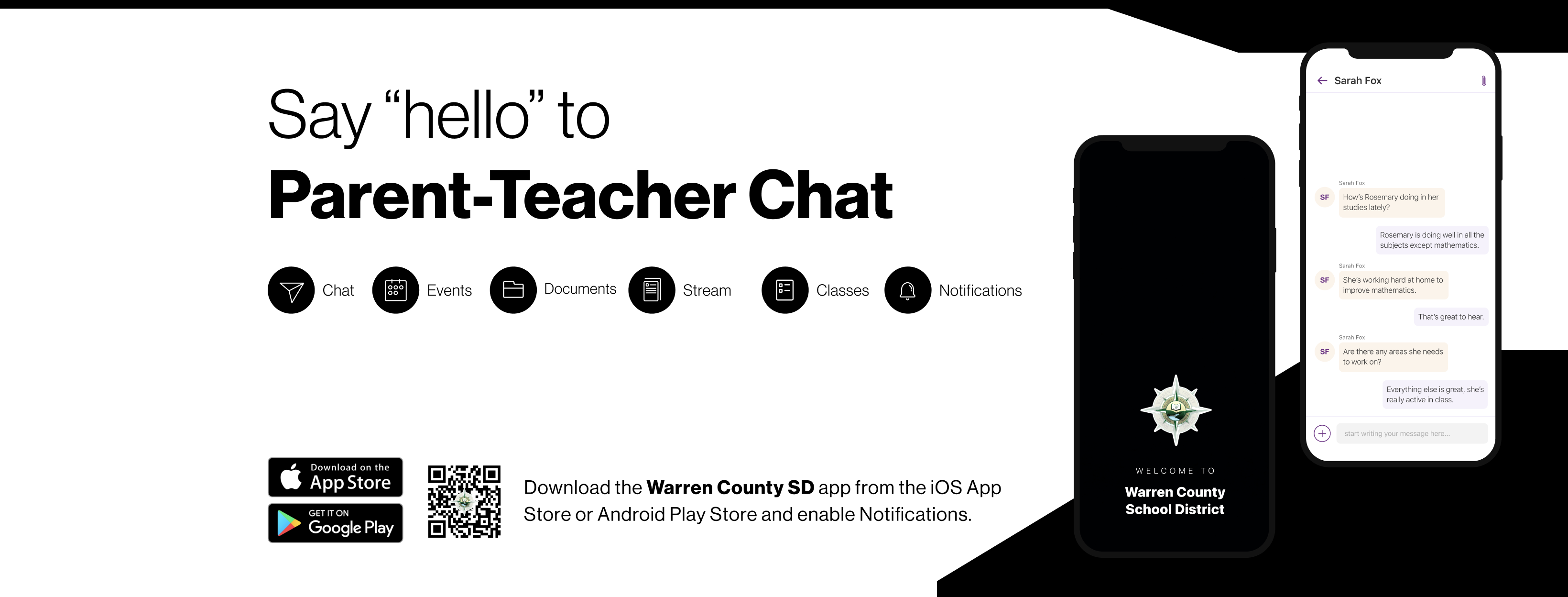
Now, Warren County Schools is making it easier to stay in touch with teachers and class information from that same app. Using the Warren County SD app, you can easily switch from district and school information to Rooms where you can see your student's classes and engage directly with teachers.
Rooms can be accessed via the web and from our district app, which is available for free and can be used from both Apple and Android phones. To access Rooms, you will need to create a login and password.
FAQs
I have an old phone. Will the app work?
The app will run on phones with Android version 8+ or iOS version 13+
Can I communicate with my child's teacher using a browser? I would rather use a computer.
Sure! Families can log in to edurooms.com on a web browser.
I'm having difficulty logging into the app. I am not sure what email address I used. What should I do?
Your child's teacher can provide a PDF "Guardian Invite" so that you can manually connect to their class using a Magic Code. Each child only has one Magic Code that will connect them to all of their Rooms.
How do I sign up for Rooms with the Magic Code?
The Guardian invitation that you received will contain a Magic code that allows you to connect to your student.
Upon navigating to id.edurooms.com/signup you will be prompted to provide the Magic Code.
After providing the Magic Code, you will be asked to confirm your student. Click “Continue.”
Provide your name and email address and click “Next” to create a password and finish registration.
Make sure to download the Warren County SD app. Log in to Rooms within the app using the same email address and password you created.
I never received a Magic Code for my child, what do I do?
Your child's teacher can give you the Magic Code for your child. Please contact them to receive the code.
I get an error when trying to send a message. What should I do?
Remove the app and reinstall it, then try logging back in. If you're using edurooms.com, clear your browser's cache, close the browser, then open it and try again.